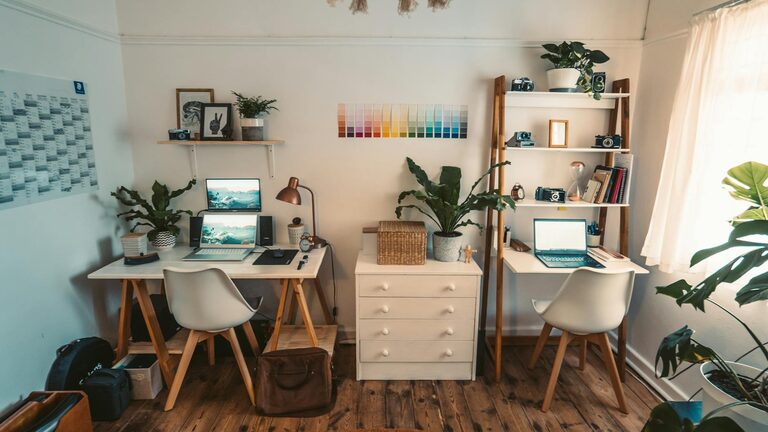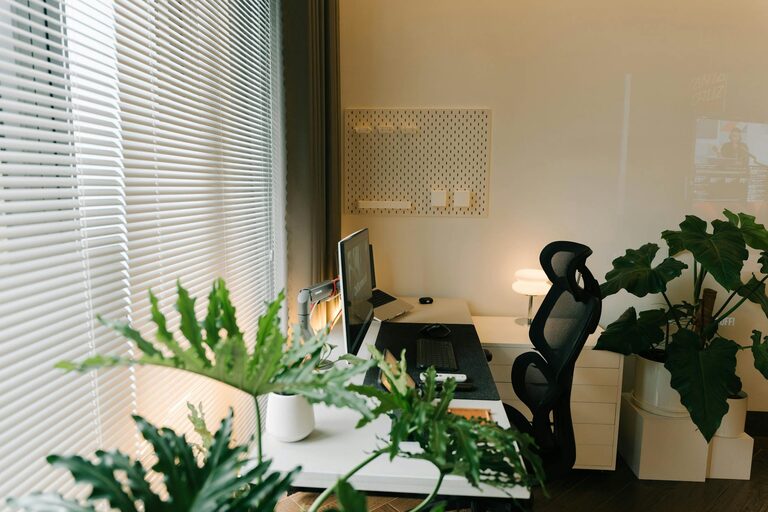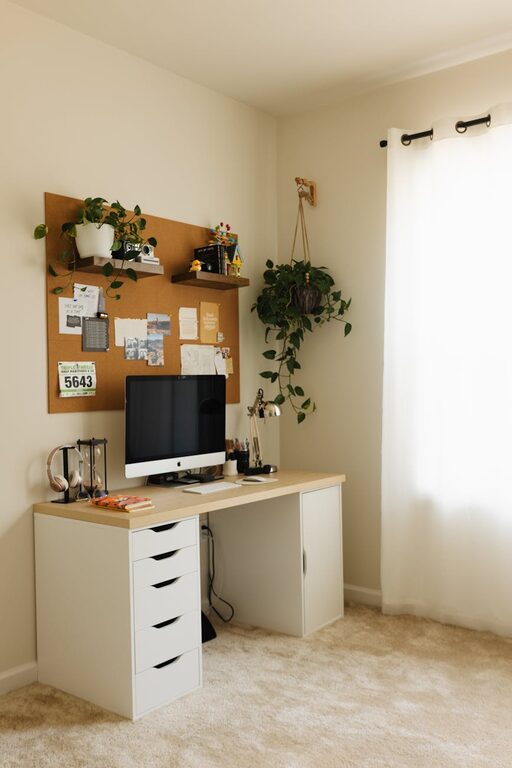
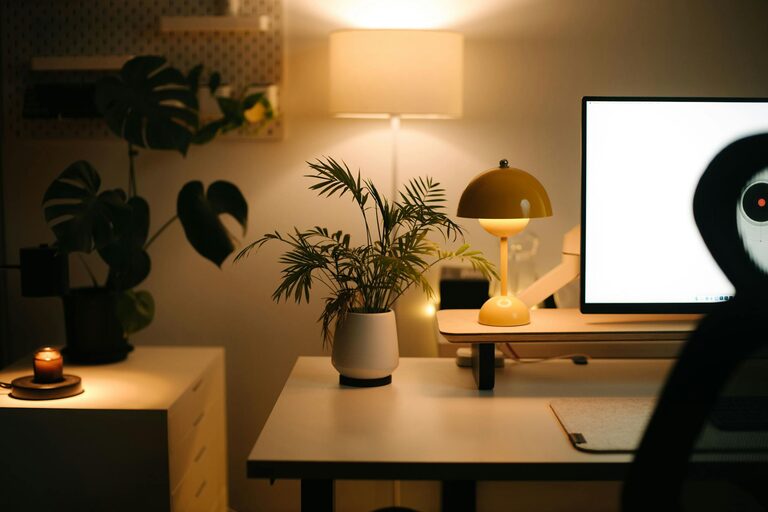
Creating a comfortable and productive home office is essential for anyone working remotely or managing tasks at home. An organized workspace helps reduce distractions, improve focus, and make your workday more enjoyable. Here are some simple tips to help you organize your home office efficiently.
1. Choose the Right Location
Before diving into organizing, select a spot in your home where you can work comfortably and without interruptions. Ideally, this area should have:
– Good natural light to reduce eye strain
– Enough space for your desk and storage
– Minimal noise and distractions
If space is limited, consider multipurpose areas like a corner of a room or a closet converted into a mini office.
2. Declutter Your Workspace
Start by clearing your desk and surrounding area. Remove items you don’t use daily. This helps create a neat environment that encourages focus.
Tips to Declutter Efficiently:
– Sort items into categories: keep, toss, donate, or relocate
– Store rarely used items in drawers or cabinets
– Use cable organizers to manage cords and chargers
3. Invest in Functional Furniture
Having the right furniture can greatly impact your comfort and efficiency.
– Desk: Choose one with enough surface area for your computer, notebooks, and a few personal items. Consider adjustable desks for standing options.
– Chair: Ergonomics are important. Select a chair that supports your back and encourages good posture.
– Storage: Incorporate filing cabinets, shelves, or storage bins to keep everything organized and accessible.
4. Optimize Your Desk Setup
Arrange your workspace so that everything you need is within arm’s reach to reduce unnecessary movement.
– Position your monitor at eye level to avoid neck strain
– Place your keyboard and mouse comfortably aligned with your body
– Use desk organizers, like trays or pen holders, to keep small items tidy
5. Use Effective Storage Solutions
Proper storage keeps clutter off your desk and helps you find items quickly.
Storage Ideas:
– Shelving: Wall-mounted shelves save floor space and display books or decor.
– Drawer Dividers: Keep small items like paper clips and sticky notes organized.
– Labeling: Label boxes, files, and drawers for easy identification.
6. Manage Digital Clutter
Organizing your digital workspace is just as important.
– Create folders for documents and emails to keep your files tidy
– Use cloud storage for easy access and backup
– Regularly delete or archive old files to maintain a clean workspace
7. Personalize Your Space
Adding personal touches can make your office feel inviting and motivate you to work.
– Include plants to improve air quality and add color
– Hang artwork or inspirational quotes
– Use your favorite colors in accessories or organizers to brighten the space
8. Maintain Good Lighting
Adequate lighting reduces eye strain and boosts alertness.
– Use a desk lamp with adjustable brightness
– Position your workspace near a window for natural light
– Avoid glare on screens by adjusting blinds or curtains
9. Set Up a Routine for Tidying
Maintaining your organized space takes regular effort.
– Spend 5–10 minutes at the end of each day tidying your desk
– Review and organize your digital files weekly
– Periodically reassess your storage needs as your work evolves
10. Incorporate Comfort Accessories
To increase comfort during work hours, consider:
– An ergonomic keyboard and mouse
– A footrest if your feet don’t comfortably reach the floor
– A cushion for lumbar support
—
By applying these simple tips, you can transform your home office into a space that promotes productivity and comfort. Organizing your workspace not only helps you work more efficiently but also creates a pleasant environment you look forward to spending time in. Start small, stay consistent, and watch your home office become your favorite spot for focused work.
About the Author